MahaRERA checklist every first-time buyer in Nagpur should use
How to verify a project on the portal, what to screenshot, and the red flags promoters rarely mention during a site visit.
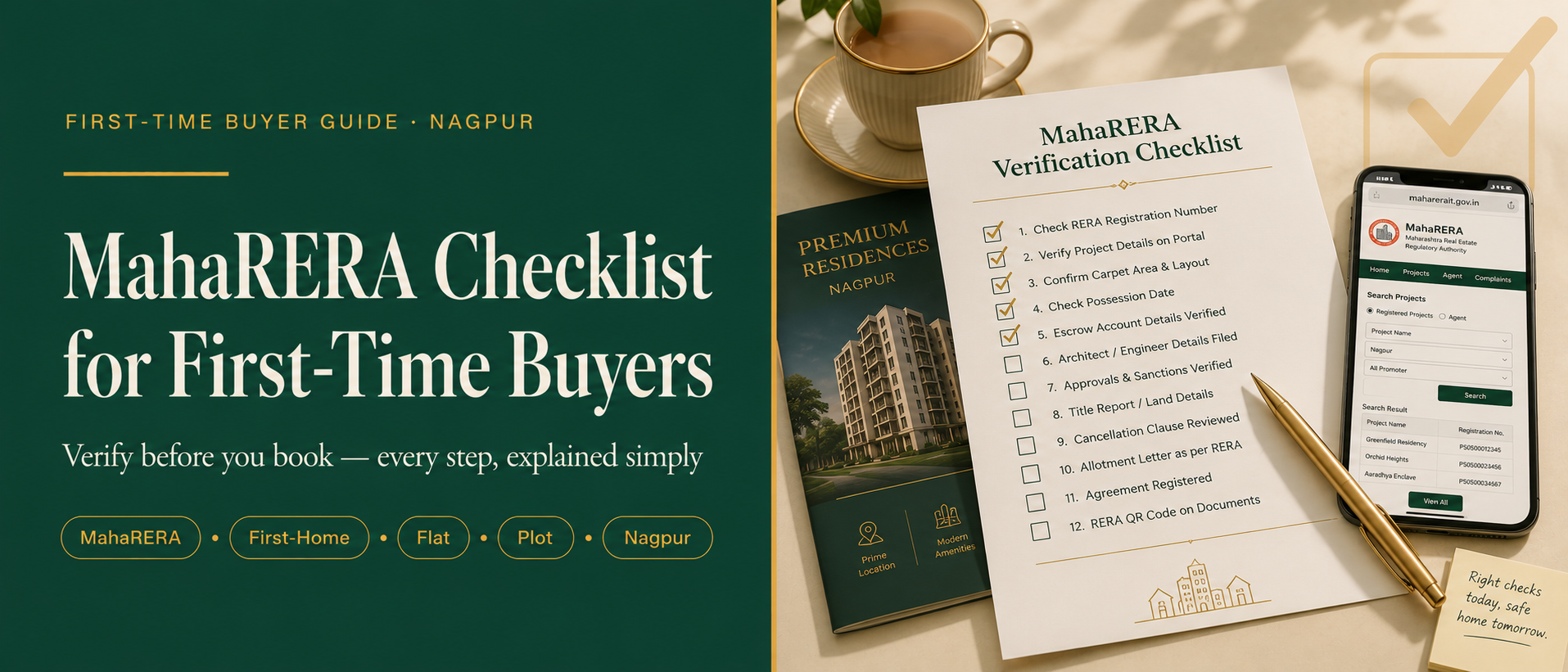
Walk into sales offices and you hear completion dates, amenity timelines, and “bank-approved projects.” The official MahaRERA portal replaces marketing language with filings you can archive before you negotiate. Start with the QR code on the brochure. Scan it against the promoter’s filing; mismatched towers, phases, or carpet areas are surprisingly common once you compare PDFs. On the promoter page, archive the sanctioned layout approval reference, sanctioned FSI bundle, completion certificate track (if phased), and the quarterly compliance uploads. Screenshots dated the day you enquire protect you if the portal changes later. Possession timelines in Nagpur often slip when infrastructure handovers lag. Pair the filed completion date with the agreement’s milestone clause.
Six checkpoints before paying token
- RERA validity covers the tower or phase you are booking—not an adjacent future launch.
- Architect and structural engineer filings match the sanctioned plans shown to you physically.
- Agreement carpet/balcony breakout matches marketed numbers within acceptable tolerance.
- Mortgage banker’s technical note references the identical unit number.
- Cancellation and refund timelines are explicit—not “as per policy.”
- Quarterly escrow statements are uploaded on schedule.
Share this blog